
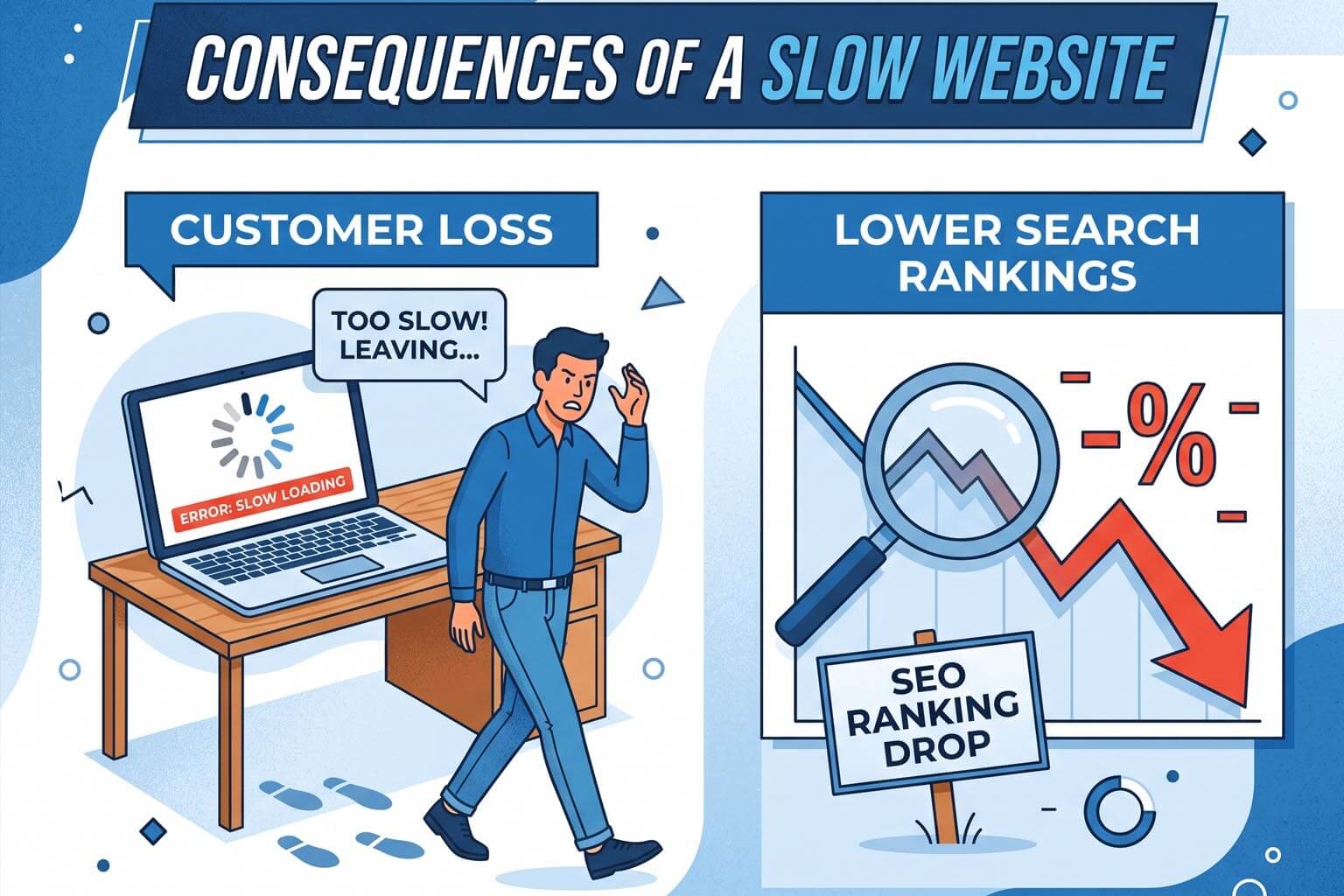
Why Slow WordPress Websites Lose Customers and Rankings
Your website may look good, have great products, and contain useful information—but if it takes too long to load, potential customers may leave before they ever see it.
Website speed is no longer just a technical concern. It affects user experience, conversions, search visibility, and ultimately revenue.
This is particularly important for businesses running WordPress websites. WordPress is flexible and powerful, but poorly optimized themes, plugins, images, hosting environments, and third-party scripts can gradually turn a fast website into a slow one.
So why does website speed matter so much?
Customers Don't Want to Wait
Imagine a potential customer finds your business through Google.
They click your website.
The page starts loading.
One second passes.
Two seconds.
Three seconds.
The screen is still shifting and content is still appearing.
The customer has already formed an impression of your business before reading a single word.
They may simply go back to Google and choose another company.
This is particularly damaging for e-commerce websites, where every additional barrier between a customer and a product can reduce the likelihood of completing a purchase.
A website should make it easy for visitors to discover information, browse products, and take action—not make them wait.
Slow Websites Hurt Conversions
Website visitors are not necessarily patient.
A slow website can create friction throughout the customer journey:
- Visitors abandon pages before they finish loading.
- Product pages take too long to open.
- Checkout experiences become frustrating.
- Mobile users may leave before interacting with the site.
- Visitors may perceive the business as less professional.
Even if your website receives thousands of visitors every month, poor performance can mean that only a fraction of those visitors become leads or customers.
This creates a hidden cost.
You might spend money on advertising, SEO, social media, and content marketing to bring visitors to your website, only to lose them because the website is too slow.
Google Cares About Page Experience
Website speed is also relevant to search engine optimization.
Google uses page experience signals as part of its broader ranking systems. Core Web Vitals are particularly important because they attempt to measure real-world user experience.
Some of the important metrics include:
Largest Contentful Paint (LCP)
LCP measures how quickly the main content of a page becomes visible.
A slow LCP can indicate that visitors are waiting too long for the primary content to appear.
Interaction to Next Paint (INP)
INP measures how responsive a page is when users interact with it.
A website may appear visually loaded but still feel slow if buttons, menus, forms, or other interactions don't respond quickly.
Cumulative Layout Shift (CLS)
CLS measures unexpected movement of content while a page loads.
For example, imagine clicking a button just as an advertisement or image loads and pushes the button somewhere else.
That creates a frustrating experience.
These metrics don't exist simply to make developers chase technical scores. They are intended to reflect real user experience.
WordPress Can Become Slow Over Time
WordPress itself isn't inherently slow.
The problem is usually the combination of everything installed and running on top of it.
A typical WordPress website can accumulate:
- Plugins
- Themes
- Page builders
- Tracking scripts
- Advertising scripts
- Analytics tools
- Social media integrations
- Security plugins
- E-commerce plugins
- Image libraries
- Database records
Each component can introduce additional processing, JavaScript, CSS, database queries, or network requests.
A website that was fast when it was launched can become significantly slower after years of additions and modifications.
Too Many Plugins Can Become a Problem
One of WordPress's biggest strengths is its plugin ecosystem.
It is also one of its biggest potential weaknesses.
Plugins make it possible to add almost any functionality without developing it from scratch.
But installing plugins without considering their impact can create problems.
Some plugins:
- Load scripts on every page.
- Add database queries.
- Make external API requests.
- Add unnecessary CSS and JavaScript.
- Perform background tasks.
- Conflict with other plugins.
The issue isn't simply the number of plugins.
A website with 30 lightweight plugins can potentially outperform a website with five poorly optimized ones.
The real question is:
What is each component adding to the website's workload?
Heavy Themes and Page Builders
Visual page builders make website creation easier, but complex pages can sometimes generate large amounts of HTML, CSS, and JavaScript.
A simple landing page can end up containing:
- Multiple nested containers
- Large CSS files
- JavaScript libraries
- Animations
- Third-party widgets
- Tracking scripts
- Unused styles
This can increase the amount of work browsers need to perform before users can interact with the page.
For businesses, the convenience of visual editing should not come at the cost of a poor customer experience.
Images Are Often the Biggest Culprit
Large images are one of the easiest performance problems to identify.
A business might upload a 5 MB photograph directly from a camera or phone when the website only needs a much smaller version.
Multiply that by:
- 20 images on a homepage
- 100 product images
- Blog articles
- Banners
- Background images
and the amount of data a visitor needs to download can become enormous.
Modern image formats, responsive image sizing, compression, lazy loading, and appropriate dimensions can significantly reduce unnecessary data transfer.
Mobile Users Are Even More Important
A website that feels acceptable on a powerful desktop computer can feel painfully slow on a mobile device.
Mobile users may have:
- Slower connections
- Less powerful processors
- Limited memory
- Battery constraints
- Smaller screens
And they are often browsing while distracted or in a hurry.
This makes performance optimization particularly important for businesses targeting mobile customers.
A website should not simply be responsive.
It should be fast and usable on mobile devices.
Hosting Matters Too
Not every performance problem comes from WordPress itself.
Hosting infrastructure has a major impact on response time.
Cheap shared hosting can become a bottleneck when a website receives more traffic or requires more server resources.
Factors that can influence performance include:
- Server CPU and memory
- Database performance
- Network latency
- PHP execution time
- Caching
- CDN configuration
- Geographic distance from users
- Server-side optimization
If the server takes a long time to generate the page, browser-side optimization alone won't solve the problem.
Caching Can Help—But It Isn't a Magic Fix
Caching is one of the most effective ways to improve website performance.
Instead of generating the same page repeatedly, a cached version can be served to visitors without requiring the server to perform the same work every time.
CDNs can take this further by serving cached content from locations closer to users.
However, caching cannot fix every problem.
A website can still have:
- Excessive JavaScript
- Huge images
- Poorly optimized CSS
- Slow API calls
- Inefficient database queries
- Third-party scripts
A fast cache can hide some server-side problems while leaving the actual website experience unnecessarily heavy.
Slow Websites Waste Marketing Money
Consider a business spending $2,000 per month on advertising.
The ads bring visitors to the website.
But the website loads slowly and some visitors leave before completing an inquiry or purchase.
The business may conclude that its advertising campaign isn't working.
The actual problem could be the website.
This is why website performance should be viewed as part of the entire marketing funnel:
Advertising → Landing Page → Experience → Conversion
If the website introduces friction in the middle, improving the first step won't necessarily solve the problem.
Website Speed Also Influences Brand Perception
Visitors don't necessarily know why a website feels slow.
They simply experience it.
A slow website can make a company appear:
- Outdated
- Unprofessional
- Difficult to deal with
- Less trustworthy
- Less technologically capable
For businesses competing against dozens of similar companies online, these perceptions matter.
Your website is often the first interaction someone has with your brand.
It should make a strong first impression.
Should You Keep Optimizing an Old WordPress Website?
Sometimes, absolutely.
If the website has a solid architecture and only needs optimization, improving it may be the most practical option.
But there is a point where optimization becomes increasingly difficult.
If a website has accumulated years of:
- Plugins
- Theme customizations
- Page-builder elements
- Legacy code
- Unused integrations
- Database overhead
- Third-party scripts
then repeatedly fixing individual performance problems may not be the best long-term strategy.
At that point, rebuilding the website on a modern architecture may provide a better foundation.
Website Builders Don't Have to Mean Slow Websites
There is an old assumption that a template-based or visual website builder automatically produces a slow website.
That doesn't have to be true.
The real question is how the platform generates, delivers, and manages the website.
A modern website platform can combine visual editing with:
- Optimized page structures
- Efficient asset delivery
- Caching
- CDN integration
- Responsive images
- Clean output
- Scalable infrastructure
- Built-in security
- SEO controls
The goal should be to give businesses the convenience of visual website creation without forcing them to sacrifice performance.
What Businesses Should Check
Before rebuilding or replacing a website, businesses should evaluate:
1. Real-world loading performance
Test the website on mobile and desktop.
2. Core Web Vitals
Check LCP, INP, and CLS.
3. Server response time
A slow server can affect everything else.
4. Image sizes
Look for unnecessarily large assets.
5. JavaScript
Identify scripts that block rendering or consume excessive browser resources.
6. Plugins and integrations
Remove unnecessary functionality.
7. Caching
Make sure static and cacheable content is being delivered efficiently.
8. Mobile experience
Test the actual experience, not just the desktop version.
The Bottom Line
A slow website isn't merely a technical inconvenience.
It can cost businesses customers, leads, sales, and marketing efficiency.
For WordPress websites, performance problems often develop gradually as plugins, themes, page builders, scripts, images, and integrations accumulate.
The answer isn't necessarily to abandon WordPress. Sometimes proper optimization is enough.
But when a website has become difficult to maintain and optimize, rebuilding it on a modern platform can make more sense than continuously fixing symptoms.
The best website isn't the one with the most features.
It's the one that gives visitors a fast, reliable, intuitive experience while giving the business the flexibility it needs to grow.
And that's ultimately what modern website development should be about: building better experiences, not simply adding more technology.
