
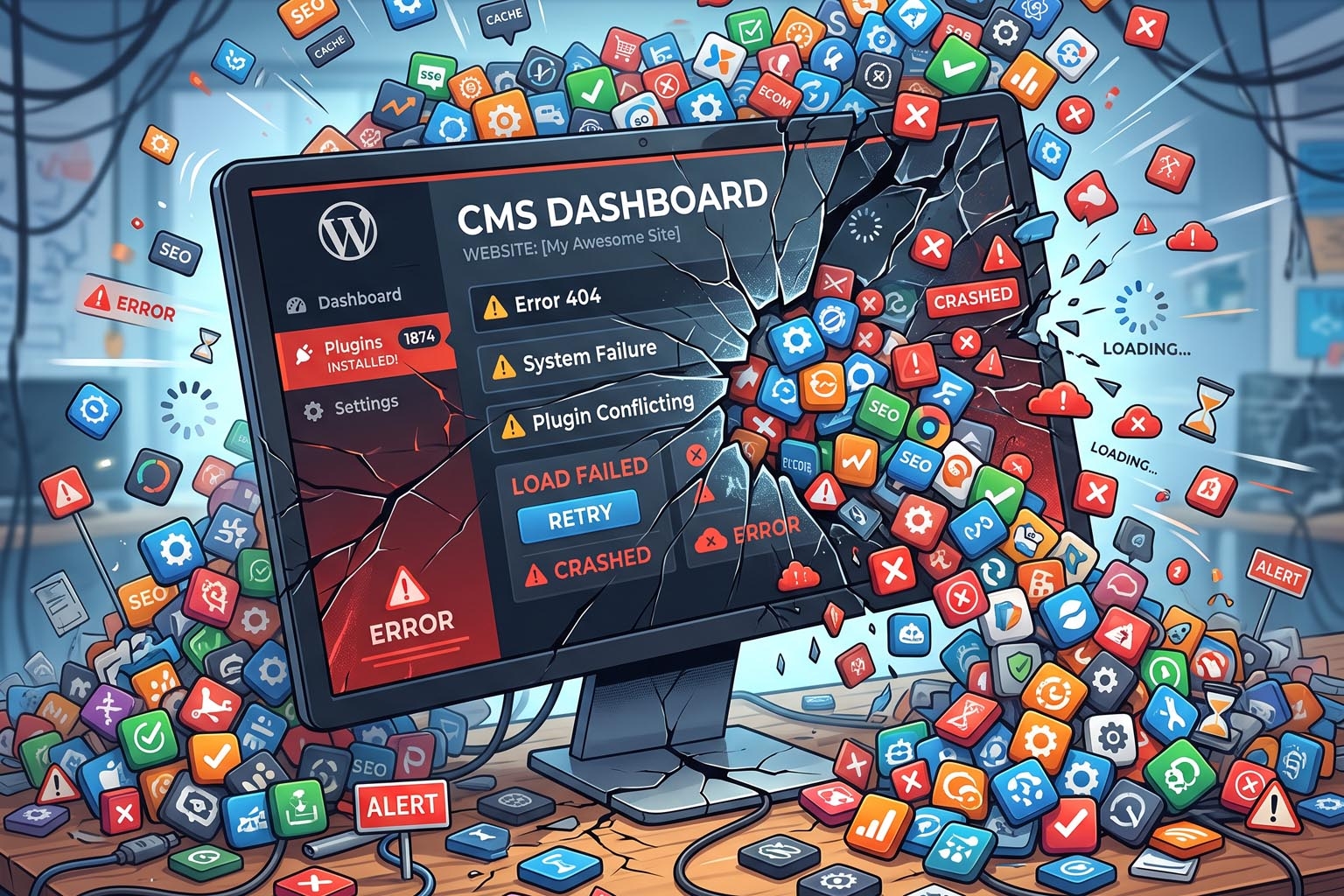
Plugin Overload: The Biggest Problem With Traditional CMS Platforms
One of the biggest advantages of a traditional content management system is flexibility.
Need a contact form? There is a plugin.
Need SEO tools? Install a plugin.
Need e-commerce? Install another plugin.
Need security features? There is a plugin for that too.
Need caching, analytics, backups, image optimization, social sharing, memberships, bookings, pop-ups, or another feature?
There is probably another plugin waiting to be installed.
At first, this sounds like a great solution.
But over time, something interesting can happen.
Your website becomes dependent on dozens of separate pieces of software just to perform basic business functions.
This is plugin overload.
And while plugins aren't inherently bad, excessive plugin dependency can become one of the biggest challenges of managing a traditional CMS website.
What Is Plugin Overload?
Plugin overload occurs when a website relies on a large number of third-party extensions to provide functionality that isn't available in the core platform.
A typical business website might eventually use plugins for:
-
SEO
-
Contact forms
-
Security
-
Caching
-
Image optimization
-
Analytics
-
Social media
-
Backups
-
E-commerce
-
Payments
-
Memberships
-
Pop-ups
-
Reviews
-
Cookie consent
-
Performance monitoring
Each plugin may be useful individually.
The problem appears when the website depends on many of them simultaneously.
The website is no longer just a CMS.
It becomes a collection of independent software components that happen to operate together.
Why Do Businesses Install So Many Plugins?
The plugin model solves a real problem.
Traditional CMS platforms need to serve millions of businesses with completely different requirements.
Instead of putting every possible feature into the core platform, they allow third-party developers to extend it.
This creates a huge ecosystem.
Businesses can add functionality without hiring developers to build everything from scratch.
That's a major advantage.
But convenience can also encourage a dangerous habit:
"If something is missing, just install another plugin."
Over several years, a website can accumulate plugins for features that could have been designed into the platform from the beginning.
Some plugins may eventually become unnecessary, abandoned, incompatible, or redundant.
Plugins Add Complexity
Imagine a website that starts with ten plugins.
Then it grows to twenty.
Then thirty.
Eventually, nobody remembers exactly why some of them were installed.
This creates a new problem.
When something breaks, the first question becomes:
Which component caused it?
Was it the theme?
The CMS?
A plugin?
Two plugins conflicting with each other?
The hosting environment?
A recent update?
An external API?
The database?
The more dependencies a website has, the more difficult troubleshooting becomes.
Plugin Conflicts Can Break Websites
Plugins don't always operate independently.
They may interact with:
-
The CMS core
-
The active theme
-
Other plugins
-
PHP versions
-
Databases
-
External APIs
-
JavaScript libraries
An update to one component can unexpectedly affect another.
For example, a plugin update might change the way a particular function works.
Another plugin may depend on the previous behavior.
Suddenly, a previously working website develops an error.
This is particularly frustrating for businesses because the problem may not be obvious.
The website may appear normal on one page while another page stops working.
Plugins Can Slow Down Websites
Plugin overload can also affect website performance.
Not every plugin is poorly developed, but plugins can introduce additional:
-
JavaScript
-
CSS
-
Database queries
-
API requests
-
Background processes
-
HTTP requests
Some plugins may load their resources on every page, even when their functionality is only needed on one specific page.
For example, a booking plugin might add scripts throughout the website even though only one page actually contains a booking form.
Multiply this by several plugins and the amount of unnecessary work can increase significantly.
This can contribute to slower page loads and poorer user experience.
More Plugins Can Mean More Security Risks
Every plugin is another piece of software that needs to be maintained.
That means every plugin potentially introduces:
-
Vulnerabilities
-
Security bugs
-
Outdated dependencies
-
Configuration problems
-
Compatibility issues
A business may carefully update its CMS but forget about an old plugin that hasn't been updated for months or years.
Attackers don't necessarily need to compromise the entire platform directly.
A vulnerable third-party extension can sometimes become the entry point.
This is why plugin management is an important part of website security.
Abandoned Plugins Are a Serious Problem
One of the biggest risks isn't necessarily a plugin that is actively broken.
It can be a plugin that simply stops being maintained.
A developer may abandon a project because:
-
It isn't profitable anymore.
-
The developer moves to another project.
-
The technology becomes outdated.
-
The plugin no longer has enough users.
-
The project is acquired or discontinued.
The plugin may continue working for some time.
But eventually, the CMS changes.
PHP changes.
Browsers change.
Security requirements change.
Other plugins change.
And the abandoned plugin becomes increasingly difficult to rely on.
A business can suddenly find itself dependent on software that nobody maintains.
Updates Become a Maintenance Job
Keeping a traditional CMS website healthy isn't simply about updating the CMS.
You may have to update:
-
The CMS
-
The theme
-
Plugin A
-
Plugin B
-
Plugin C
-
Plugin D
-
Plugin E
And then test everything.
This is particularly important for e-commerce websites.
A business can't casually update dozens of components on a live store without considering the possibility that something could break.
A failed update can potentially affect:
-
Product pages
-
Shopping carts
-
Checkout
-
Payment processing
-
Customer accounts
-
Order management
-
Forms
That's why many businesses end up paying developers or agencies to perform routine maintenance.
The Hidden Cost of Plugin Dependency
Plugins are often marketed as inexpensive solutions.
A plugin might cost $30, $50, or $100 per year.
That doesn't sound expensive.
But consider a website with:
-
10 premium plugins
-
Multiple annual licenses
-
A hosting subscription
-
Security services
-
Backup services
-
CDN services
-
Developer maintenance
The total cost can become significant.
More importantly, the financial cost isn't the only issue.
There is also the cost of:
-
Managing licenses
-
Tracking renewals
-
Testing updates
-
Troubleshooting conflicts
-
Monitoring security
-
Training staff
-
Finding replacements
The real cost of a plugin isn't always its subscription price.
It's the complexity it adds to the business.
Plugin Overload Can Create Vendor Dependency
There's another issue that is often overlooked.
Suppose your website relies heavily on a particular plugin.
Your business workflow gradually becomes dependent on it.
Then the plugin developer:
-
Changes pricing
-
Removes functionality
-
Stops development
-
Changes its licensing model
-
Introduces a new platform
-
Gets acquired
Now your business has a problem.
Replacing the plugin might require rebuilding part of the website.
This is a form of technology dependency that businesses should consider when designing their online infrastructure.
More Features Don't Always Mean a Better Website
It's tempting to judge a website by the number of features it has.
But a website doesn't become better simply because it has more functionality.
Consider two websites.
Website A
Uses 35 plugins to provide:
-
SEO
-
Forms
-
Caching
-
Security
-
E-commerce
-
Analytics
-
Image optimization
-
Memberships
-
Reviews
Website B
Provides the same essential functionality through a more integrated platform.
Which one is better?
The answer isn't automatically Website B.
But Website B may have a significant architectural advantage because fewer independent components need to be maintained.
The goal shouldn't be more features.
The goal should be the right features with less unnecessary complexity.
The Plugin Problem Is Really an Architecture Problem
It's easy to blame plugins.
But plugins themselves aren't necessarily the problem.
The deeper issue is how traditional CMS platforms are often extended.
A CMS provides a core set of capabilities.
Everything else gets added later.
This creates an architecture that can look something like:
CMS + Theme + Plugin + Plugin + Plugin + Plugin + External Service + Custom Code
Each layer adds functionality.
Each layer can also add dependencies.
A modern approach can instead build more functionality directly into the platform architecture.
That can reduce the need to repeatedly extend the core system through third-party components.
Should You Stop Using Plugins?
Not necessarily.
Plugins can be extremely useful.
A well-maintained, lightweight plugin that provides functionality your business genuinely needs can be a perfectly reasonable choice.
The problem is uncontrolled dependency.
Before installing another plugin, ask:
-
Do we really need this feature?
-
Is it already available elsewhere?
-
Is the plugin actively maintained?
-
Does it affect website performance?
-
Does it have a good security track record?
-
Does it conflict with anything we already use?
-
What happens if the plugin disappears?
-
Can we remove it easily later?
These questions can prevent unnecessary dependencies.
What Businesses Should Do About Plugin Overload
If your website already has too many plugins, don't simply delete them all.
Start with an audit.
Step 1: List Every Plugin
Create a list of all installed plugins and what each one does.
Step 2: Identify Duplicates
You may discover that multiple plugins provide overlapping functionality.
Step 3: Remove Unused Plugins
Unused plugins increase maintenance and security concerns without providing value.
Step 4: Check Maintenance Status
Determine whether important plugins are actively maintained.
Step 5: Check Performance
Identify which plugins contribute significantly to page size, database activity, or server processing.
Step 6: Review Security
Make sure important plugins are regularly updated and come from trustworthy developers.
Step 7: Consider Consolidation
If several plugins exist only because the platform lacks integrated functionality, consider whether a different architecture would be more appropriate.
Is an All-in-One Platform the Answer?
This is where modern website platforms have an interesting advantage.
Instead of adding a plugin for every new requirement, an integrated platform can provide many essential functions as part of the core system.
For example, a platform could include:
-
Website building
-
E-commerce
-
SEO controls
-
Forms
-
Security
-
Media management
-
Performance optimization
-
User management
-
Analytics integrations
This doesn't mean third-party integrations disappear.
Businesses will always need specialized services.
But the number of components required to run the core website can be reduced.
That can make the system easier to manage and potentially more predictable.
Integrated Doesn't Mean Inflexible
One concern businesses may have is that an all-in-one platform will limit customization.
That doesn't have to be the case.
A modern platform can provide built-in functionality for common requirements while still offering APIs and integrations for specialized needs.
This creates a useful balance:
Built-in functionality for the essentials + integrations for specialized requirements.
The objective isn't to prevent businesses from extending their websites.
It's to prevent them from needing an extension for every basic function.
A Better Way to Think About Website Architecture
Instead of asking:
"Which plugin should I install?"
businesses should ask:
"What is the simplest architecture that can provide the functionality we need?"
That's a much better question.
A website should be designed around:
-
Performance
-
Security
-
Maintainability
-
Scalability
-
Flexibility
-
Business requirements
rather than the number of features that can be installed.
Where RoundRockk Fits
RoundRockk takes a different approach to website building.
Instead of requiring businesses to assemble their core website functionality from a growing collection of plugins, the platform is designed to bring important website and e-commerce capabilities together within the platform itself.
The idea is simple:
Businesses should be able to build powerful websites without turning website maintenance into a software-management project.
That doesn't mean every third-party integration is unnecessary.
It means the core platform should provide as much essential functionality as possible while maintaining the flexibility to integrate with external services when needed.
For businesses that are tired of constantly managing plugins, updates, compatibility issues, and maintenance, this approach can offer a simpler alternative.
Final Thoughts
Plugins solved one of the biggest challenges faced by traditional CMS platforms: how to add new functionality without rebuilding the entire system.
That flexibility helped create enormous ecosystems around platforms such as WordPress.
But the same flexibility can eventually become a liability.
As a website accumulates plugins, it can become slower, harder to troubleshoot, more difficult to secure, and more expensive to maintain.
The answer isn't to eliminate every plugin.
The answer is to reduce unnecessary dependency.
A modern website platform should provide the essential capabilities businesses need as part of its core architecture while still allowing integrations where they genuinely add value.
Because the best website isn't the one with the most plugins.
It's the one that delivers what your business needs with the least unnecessary complexity.
