
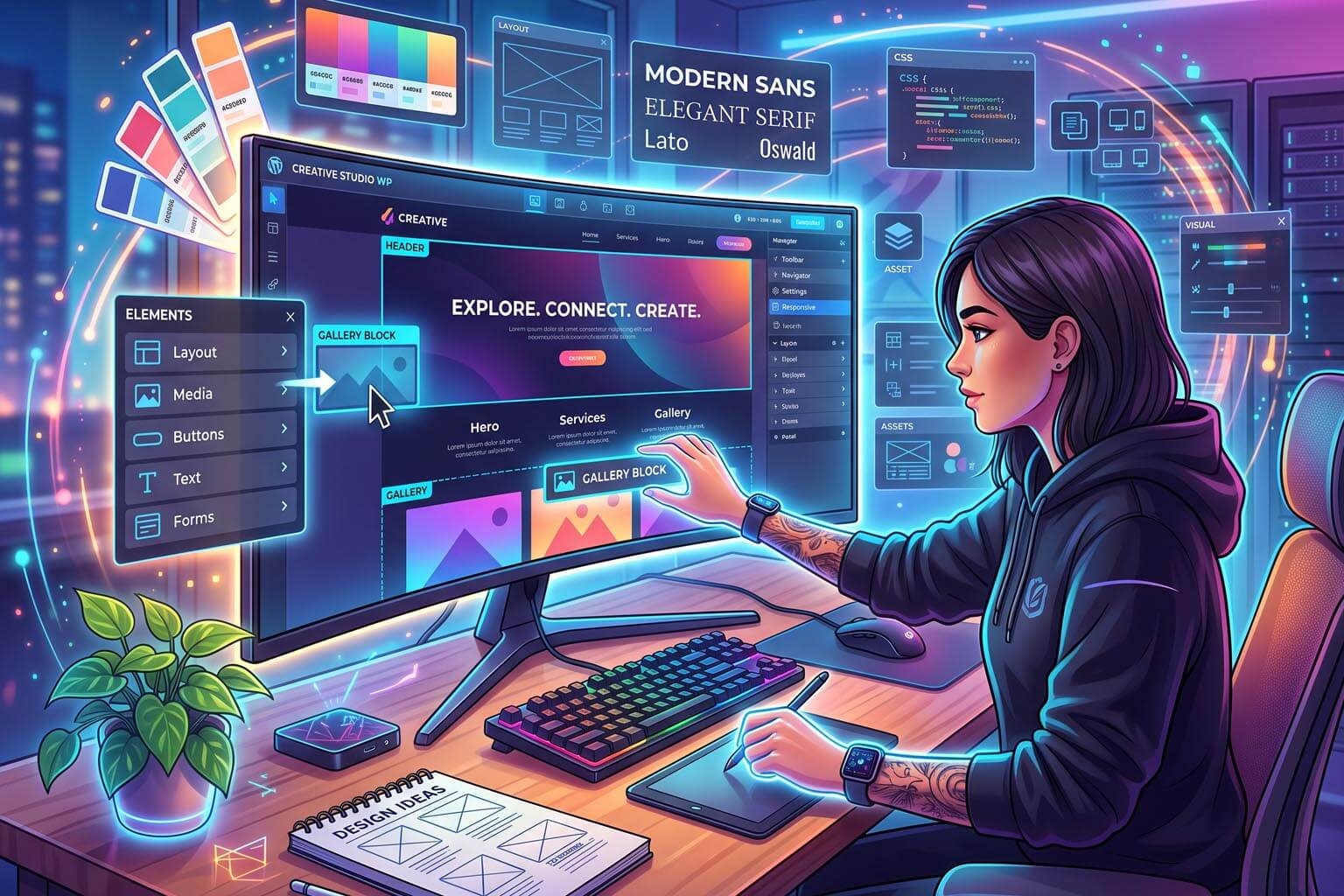
How Visual Design Control Improves Website Customization
Every business wants its website to look different.
A restaurant doesn't want to look like a law firm.
A fashion brand doesn't want to look like a software company.
A local service business doesn't want to look like an online marketplace.
Yet many businesses end up with websites that feel remarkably similar.
Why?
Because choosing a template is easy.
Customizing that template properly is often much harder.
This is where visual design control becomes important.
A modern website builder shouldn't simply provide a collection of templates. It should give businesses meaningful control over how their websites look, feel, and behave—without requiring them to write code for every design change.
Visual design control bridges the gap between template-based simplicity and custom website design.
What Is Visual Design Control?
Visual design control means being able to modify the appearance and layout of a website through a visual interface while seeing the changes as they are made.
Instead of writing CSS or editing templates manually, users can work with visual controls for things such as:
-
Layout
-
Spacing
-
Typography
-
Colors
-
Images
-
Buttons
-
Sections
-
Columns
-
Headers
-
Footers
-
Backgrounds
-
Borders
-
Alignment
-
Responsive behavior
The key word is visual.
The user doesn't have to imagine what the final result will look like.
They can see it.
This makes website customization much more intuitive.
Templates Are a Starting Point, Not the Final Product
Templates are extremely useful.
They allow businesses to launch websites faster by providing a pre-designed structure.
But a template shouldn't determine the identity of a business.
Imagine two competing businesses using exactly the same template with only their logo and images changed.
Their websites may technically be different, but they can still feel almost identical.
A good visual builder should allow businesses to take a template and transform it into something that actually represents their brand.
The template should provide the foundation.
Visual customization should provide the identity.
Visual Control Gives Businesses More Design Freedom
Traditional website development often gives businesses significant customization possibilities, but making even small changes may require technical knowledge.
A visual builder can expose many of those design capabilities through an easier interface.
For example, a business might want to:
-
Make a hero section taller
-
Move an image
-
Change the spacing between sections
-
Increase a heading size
-
Change button styling
-
Add a new content block
-
Adjust column widths
-
Change the background
-
Rearrange page sections
With visual controls, these changes can often be made directly within the editor.
The business doesn't necessarily need to understand CSS, HTML, or JavaScript to achieve the desired result.
Better Branding
A business website should communicate its brand immediately.
Brand identity can be influenced by:
-
Colors
-
Typography
-
Images
-
Spacing
-
Shapes
-
Layout
-
Buttons
-
Icons
-
Content hierarchy
If a website builder only offers limited customization, businesses may struggle to create a consistent brand experience.
Visual design control gives them more freedom to make the website feel like their own.
For example, a business can establish consistent:
Brand colors → Typography → Button styles → Section layouts → Visual hierarchy
across the entire website.
This creates a more professional and recognizable experience.
Customization Without Coding
One of the biggest advantages of visual design control is that it reduces the amount of technical knowledge required.
A business owner doesn't need to learn:
-
HTML
-
CSS
-
JavaScript
-
PHP
-
Template languages
just to change the appearance of a page.
Instead, the platform can expose useful design capabilities through visual controls.
This is especially valuable for small businesses that don't have an in-house development team.
They can make routine design decisions themselves.
Faster Design Iteration
Website design is rarely perfect on the first attempt.
A marketing team might create a landing page and then realize:
-
The headline is too small.
-
The call-to-action isn't noticeable enough.
-
The image needs more space.
-
The sections are too close together.
-
The page feels too crowded.
In a traditional development workflow, these changes may require communication with a designer or developer.
With a visual builder, the team can make the adjustments immediately.
This creates a much faster cycle:
Design → Preview → Adjust → Preview → Publish
The faster this process becomes, the easier it is to improve a website.
What You See Is What You Get
One of the biggest advantages of a visual editor is immediate feedback.
A code-based workflow might look like:
Write code → Save → Build → Refresh browser → Inspect → Change code → Repeat
A visual workflow can be much closer to:
Change → See → Adjust
This is particularly useful for people who aren't comfortable translating design requirements into code.
Instead of asking:
"What CSS property should I change?"
they can ask:
"Does this look right?"
That's a much more natural way for most business users to work.
Visual Control Improves Layout Customization
A website isn't simply a collection of text and images.
How those elements are arranged affects how visitors perceive the business.
Visual layout controls can help users manage:
-
Section height
-
Column width
-
Alignment
-
Margins
-
Padding
-
Content positioning
-
Image placement
-
Section order
-
White space
This gives businesses greater control over the visual hierarchy of their pages.
A well-designed page can guide visitors naturally from:
Headline → Information → Benefits → Proof → Call-to-Action
The layout itself becomes part of the marketing strategy.
Responsive Design Needs Visual Control
A website can look excellent on a desktop and still provide a poor experience on a smartphone.
This happens because responsive design isn't simply about making everything smaller.
Elements may need different:
-
Sizes
-
Spacing
-
Alignment
-
Order
-
Visibility
-
Column structures
on different screen sizes.
A modern visual builder should therefore provide responsive controls.
Businesses should be able to understand how their website behaves across:
-
Desktop
-
Tablet
-
Mobile
and make appropriate adjustments.
This is especially important for e-commerce websites, where mobile usability can directly affect conversions.
Visual Customization Can Improve Conversion Rates
Customization isn't only about aesthetics.
Design influences how users interact with a website.
Consider a product landing page.
A business might visually emphasize:
-
Product benefits
-
Reviews
-
Pricing
-
Guarantees
-
Features
-
Call-to-action buttons
The layout can guide users toward the next step.
A visual builder allows businesses to experiment with these elements without requiring extensive development work.
This makes design experimentation more accessible.
Businesses can test different:
-
Headlines
-
Button positions
-
Section arrangements
-
Product presentations
-
Images
-
Promotional banners
and learn what works best.
More Control Doesn't Have to Mean More Complexity
There is a common misconception that more customization automatically means a more complicated website builder.
It doesn't have to.
The complexity can exist underneath the interface while the user sees simple controls.
For example, the user might see:
Spacing: 20px
instead of needing to understand the underlying CSS implementation.
They might select:
Desktop / Tablet / Mobile
instead of manually writing media queries.
This is the real value of a good visual builder:
Complex technology underneath, simple controls on top.
Reusable Design Components Make Customization More Powerful
Visual design control becomes even more useful when combined with reusable components.
Suppose a business creates a promotional section that includes:
-
Heading
-
Description
-
Image
-
Button
If that section can be reused, the business doesn't need to recreate it every time.
The same principle can apply to:
-
Testimonials
-
FAQs
-
Pricing sections
-
Product grids
-
Contact sections
-
Feature blocks
-
Promotional banners
This creates a combination of customization and consistency.
Businesses can design once and reuse many times.
Headers and Footers Need Customization Too
Many website builders focus heavily on page content while providing limited control over global website elements.
But headers and footers are some of the most important parts of a website.
Businesses may want to customize:
Header
-
Logo
-
Navigation
-
Search
-
Account links
-
Cart
-
Call-to-action buttons
Footer
-
Contact information
-
Navigation
-
Social links
-
Legal pages
-
Newsletter signup
-
Business information
Visual control over these areas allows businesses to create a consistent experience across the entire website.
E-Commerce Websites Need More Design Freedom
E-commerce websites have additional design requirements.
A business may want to customize:
-
Product cards
-
Product detail pages
-
Category pages
-
Promotional sections
-
Shopping cart
-
Product recommendations
-
Pricing displays
-
Checkout-related elements
The design needs to support both branding and usability.
A platform that provides visual customization alongside e-commerce functionality can give businesses more freedom to create a unique shopping experience.
Visual Control Reduces Developer Dependency
Developers are essential for complex technical requirements.
But developers shouldn't have to handle every small visual change.
If a developer is repeatedly asked to:
-
Change a heading
-
Adjust spacing
-
Replace an image
-
Add a section
-
Change a button
-
Update a banner
their time is being spent on routine work.
Visual design control allows businesses to handle many of these changes themselves.
Developers can then focus on:
-
Architecture
-
APIs
-
Performance
-
Security
-
Integrations
-
Automation
-
Advanced functionality
This creates a healthier division of responsibilities.
Visual Builders vs Template-Only Builders
There is an important difference between a template-based builder and a visually customizable builder.
A template-only system might provide:
"Choose Template A, B, or C."
A more flexible visual system provides:
"Choose a starting point, then make it your own."
This distinction matters.
Templates provide speed.
Visual control provides flexibility.
A modern website builder should ideally offer both.
Visual Builders vs Custom Development
Does visual design control eliminate the need for custom development?
No.
Custom development is still valuable when a business requires highly specialized functionality.
For example:
-
Complex business workflows
-
Custom applications
-
Proprietary integrations
-
Advanced APIs
-
Specialized databases
-
Unique automation
But not every website change requires custom code.
The best approach is often:
Visual customization for routine design + custom development for specialized requirements.
This gives businesses both speed and flexibility.
Performance Still Matters
There is one important warning.
A visual builder should not give businesses unlimited freedom at the expense of website performance.
It's possible to create a visually impressive page that contains unnecessary:
-
JavaScript
-
CSS
-
Large images
-
Animations
-
Network requests
-
Third-party scripts
A good visual platform needs to balance customization with technical efficiency.
The goal should be:
More design control without unnecessary performance penalties.
This is particularly important for businesses that depend on organic search traffic and mobile users.
Visual Design Control and SEO
Design and SEO aren't separate worlds.
The visual structure of a website can affect:
-
Heading hierarchy
-
Content organization
-
Internal linking
-
Image optimization
-
Page structure
-
Mobile usability
A modern website builder should therefore combine visual editing with SEO controls.
Businesses should be able to customize the appearance of a page while also controlling important search-related information such as:
-
Page titles
-
Meta descriptions
-
URLs
-
Image alt text
-
Canonical settings
-
Structured content
The result should be a website that looks good and remains technically useful for search engines.
Visual Design Control Makes Websites Easier to Evolve
A website is not a one-time project.
Businesses change.
Their branding changes.
Their products change.
Their marketing strategies change.
Their customers change.
A website builder should make it easy for the website to change with them.
Visual control makes this evolution easier.
A business can gradually refine its website rather than needing a complete redesign every time its needs change.
The Real Value Is Control
The biggest benefit of visual website design isn't simply convenience.
It's control.
Businesses gain more control over:
-
Their branding
-
Their content
-
Their layouts
-
Their campaigns
-
Their landing pages
-
Their e-commerce experience
-
Their website updates
And they can exercise that control without becoming dependent on developers for every small change.
That can make a major difference to how quickly a business operates online.
Where RoundRockk Fits
RoundRockk is built around the idea that businesses should have greater control over their websites without needing to write code for every design decision.
Its visual website-building approach allows users to work with pages and sections visually while maintaining control over important aspects of the website.
This includes the ability to customize areas such as:
-
Page layouts
-
Content sections
-
Headers
-
Footers
-
Images
-
Typography
-
Website structure
-
E-commerce content
-
SEO information
-
Responsive layouts
The goal isn't simply to offer another template library.
It's to give businesses the ability to start with a structured foundation and then customize that foundation to fit their brand.
In other words:
Template speed + Visual control + Business flexibility.
Final Thoughts
A website shouldn't look like a template simply because it was built from one.
Templates are valuable because they accelerate website creation.
But visual design control is what allows businesses to transform those templates into something unique.
With the right visual controls, businesses can customize their branding, layouts, content, responsive behavior, landing pages, headers, footers, and e-commerce experiences without relying on developers for every small adjustment.
The best website builders therefore don't force businesses to choose between:
Easy to build and highly customizable.
They provide both.
Because the real purpose of a visual website builder isn't just to make website creation easier.
It's to give businesses the freedom to make their website truly theirs.
